Power BI Solutions — Learn, Build & Master

Empower your business with an elite analytics ecosystem. We specialize in seamlessly connecting your complex data sources into intuitive, live Power BI reports—giving your team the absolute clarity they need to spot trends, drive growth, and maximize efficiency.

Power BI For Business

Build Excellence Power BI Dashboard

Learn Basics to Advance
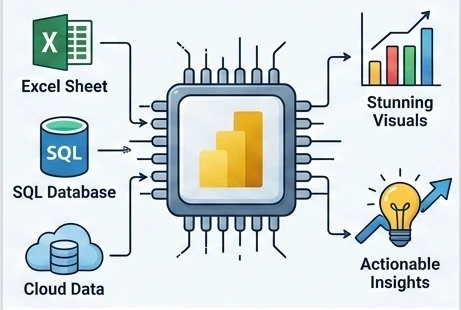
What is Power BI image

WHAT IS POWER BI?

Power BI is Microsoft’s Powerful business analytics tool that turns raw data into stunning visuals and actionable insights.
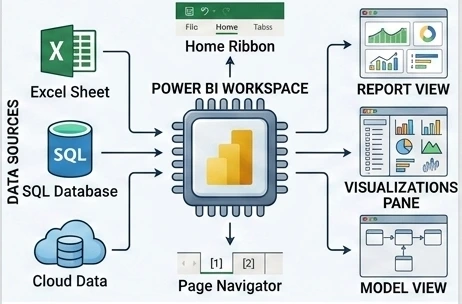
POWER BI BASICS & INTERFACE

Master the Power BI interface, data connections, and your first report.
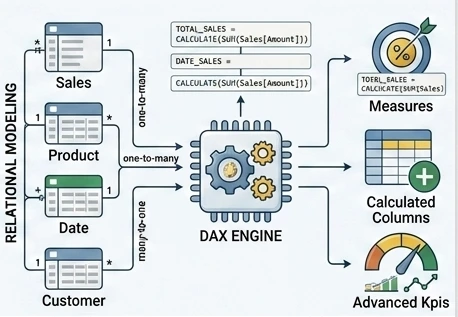
DAX FORMULAS

Master DAX – the formula language that powers power BI calculations.

How to Create Dashboard

HOW TO CREATE A DASHBOARD ?

Step-by-step guide to building professional Power BI dashboards.
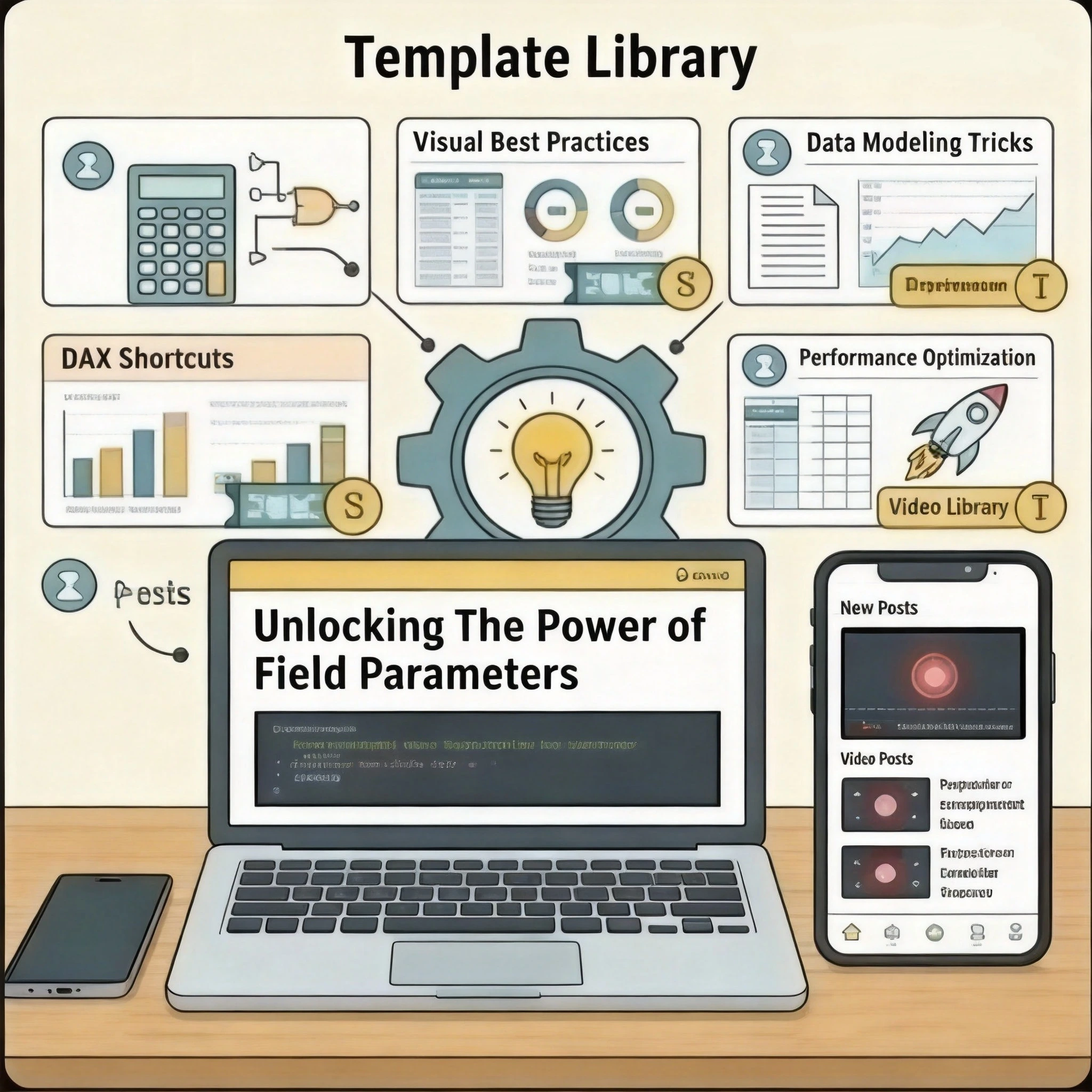
Free template

DASHBOARD TEMPLATES (FREE & PREMIUM)

Download ready-made Power BI templates and customize them in minutes.
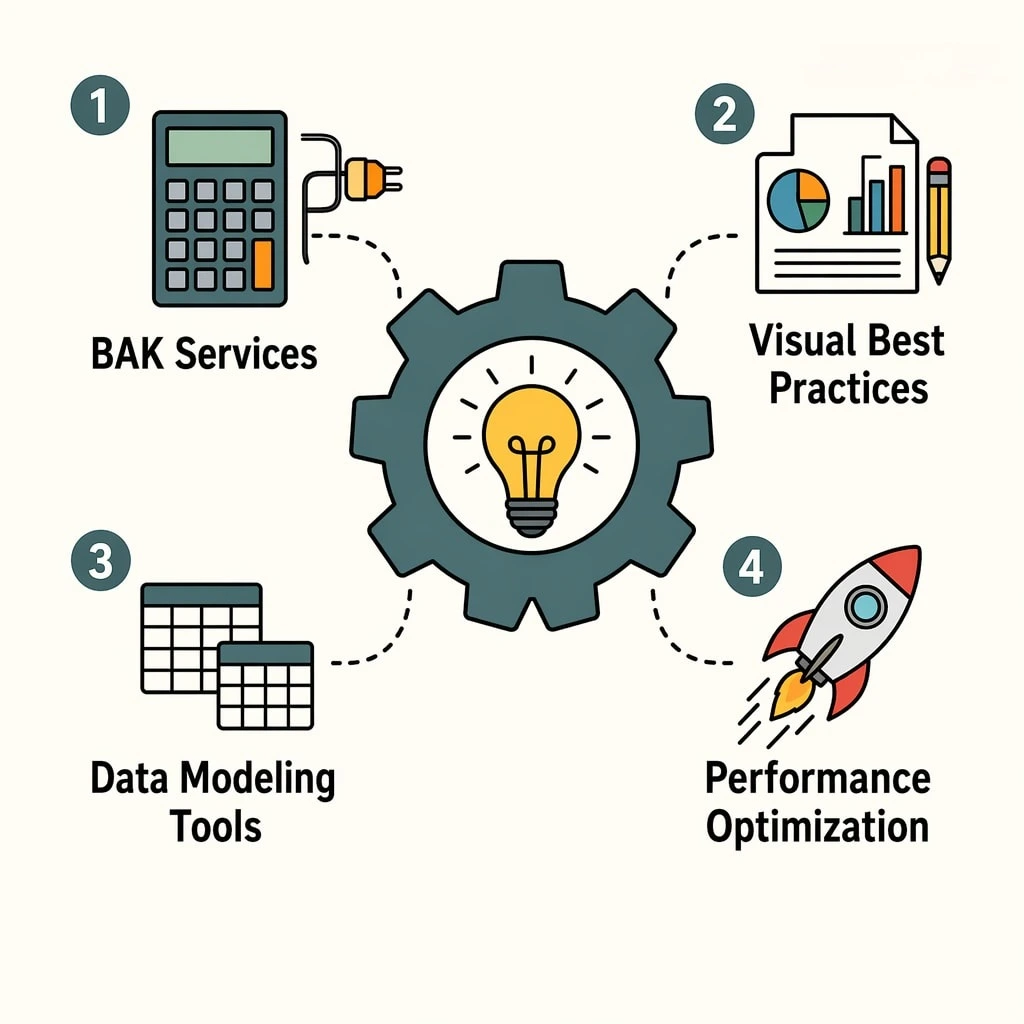
Power Bi Tips and Tricks

POWER BI TIPS & TRICKS

Unlock the full potential of your reports with advanced techniques and clever hacks. Work smarter and faster by mastering these essential Power BI secrets.
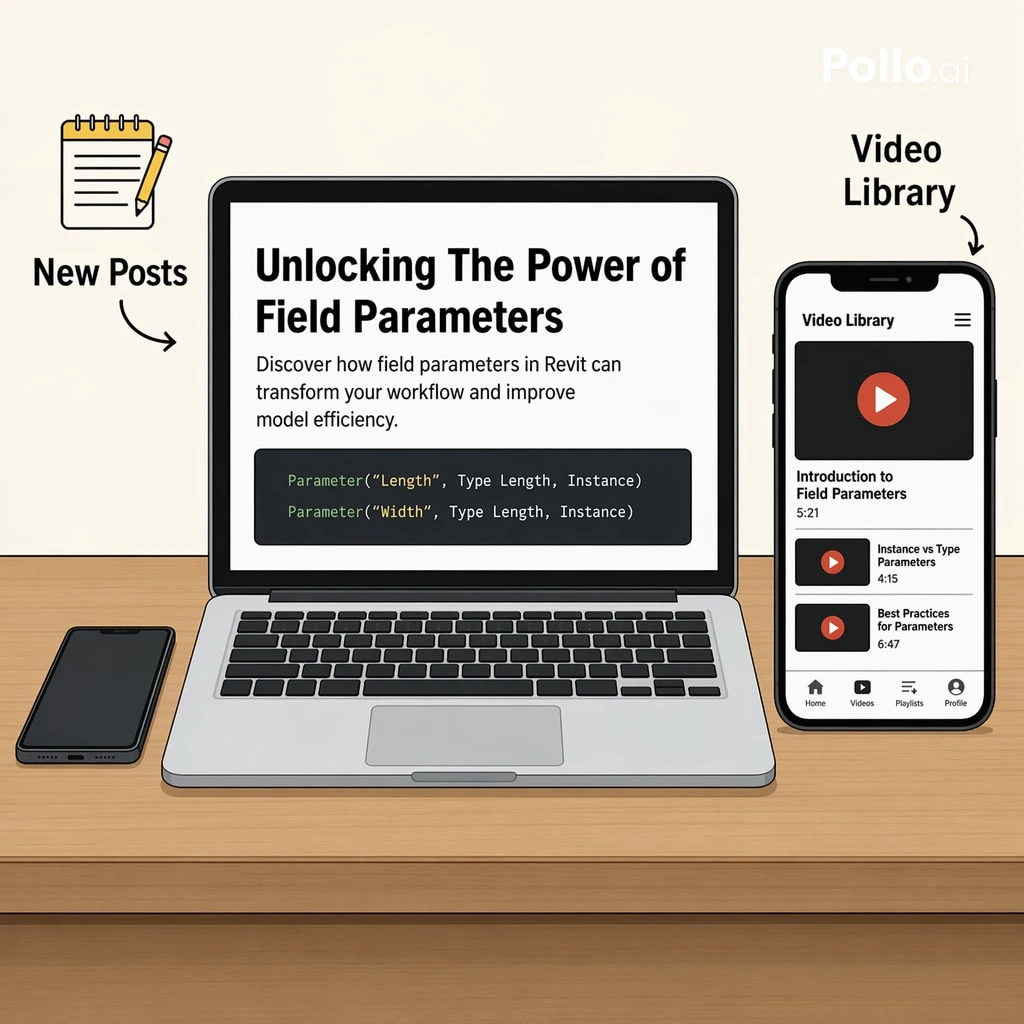
POWER BI BLOG / TUTORIALS

Accelerate your learning journey with easy-to-follow tutorials, industry news, and expert tips. Stay ahead of the curve and build your data analytics expertise.

hire us

HIRE US / SERVICES

Let our team of Power BI professionals handle your data analysis, automation, and visualization needs. We build the reports so you can focus on growing your business.

FAQ

Is Power BI free to use?

Yes. Power BI Desktop is completely free to download and use on your computer to create reports. You can also publish reports to a personal workspace in the Power BI Service for free. However, sharing your reports with other users requires a paid Power BI Pro or Premium license.

No. You do not need any coding experience to start learning Power BI. Most basic dashboards can be built using the drag-and-drop interface. As you advance, you will learn DAX (Data Analysis Expressions) for formulas and M code for cleaning data, which are similar to advanced Excel formulas.

It typically takes 2 to 4 weeks to learn the basics, connect data sources, and build simple reports. Mastering advanced features like complex data modeling, advanced DAX formulas, and data governance can take several months of regular practice.

Yes. Power BI connects seamlessly with Microsoft Excel. You can easily import data from Excel spreadsheets, connect to Excel tables, and even import existing Power Pivot models and Power Query queries directly into Power BI.

Power BI Desktop is a free application installed on your local computer used primarily for data connection, data modeling, and creating reports. Power BI Service is a cloud-based platform used to share, collaborate, distribute, and view those reports and dashboards online.

Yes. We regularly test and update all our templates to ensure full compatibility with the latest monthly updates of Power BI Desktop. We recommend keeping your Power BI application updated to the latest version for the best performance.

Yes. We provide tailored dashboard development services to meet your specific business requirements. Our team can help you with custom data modeling, unique visual designs, and integrating your specific data sources. Please contact us through our inquiry form to discuss your project.

Due to the digital nature of our products, we generally do not offer refunds once a template has been downloaded. However, your satisfaction is our priority. If you encounter any technical issues or find a bug in the template, please contact our support team, and we will gladly help you resolve it.

Scroll to Top